



TonySpins Login
TonySpins login gives registered users access to their casino account, balance, payment section, available promotions, and security settings. The process is direct: players use the login window on the official website, enter the details linked to their account, and open the personal dashboard.
The same account works across supported devices, so you can return to their profile without creating a separate account for mobile or desktop use.



TonySpins Registration
Registration is required before full account access becomes available. After creating a profile, players can manage casino activity through one account. The dashboard includes balance information, payment tools, bonus status, profile settings, and account security controls.
Some games may be available in demo mode before registration, depending on the game provider and platform settings. Real-money play, deposits, withdrawals, and personal account features require a registered profile.
Create Your Account
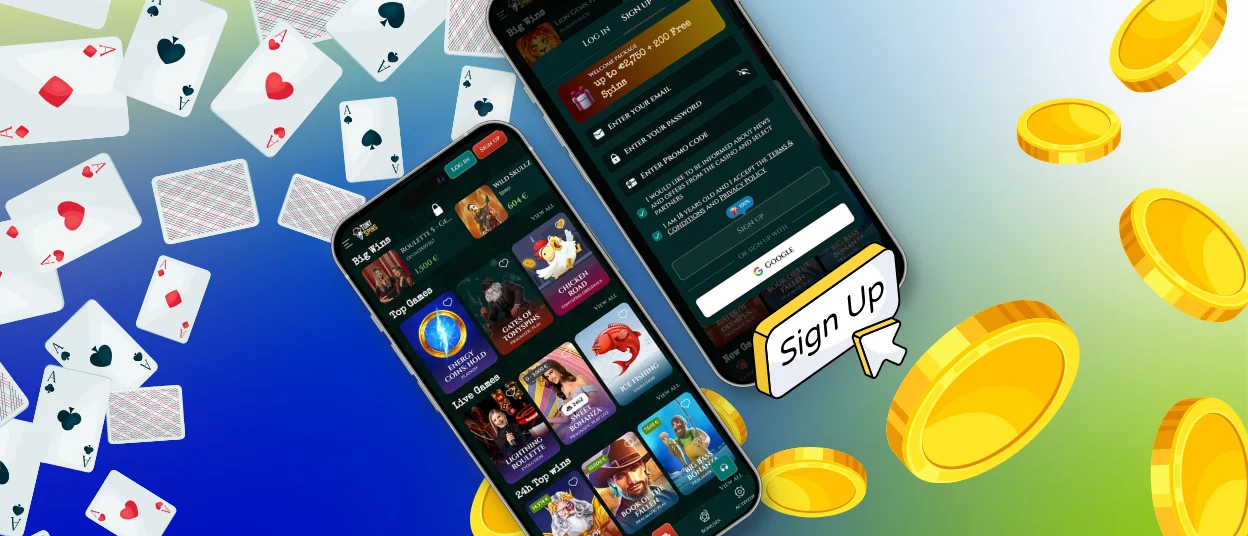
To create an account at TonySpins, members open the registration from the home page. The form asks for basic account details and confirmation that the player accepts the platform rules.
| Step | Action | Details |
| 1 | Open registration | Select the “Sign Up” button on the website. |
| 2 | Add login details | Enter an active email address and create a secure password. |
| 3 | Use a promo code | Add a code only if one is available for the selected offer. |
| 4 | Accept the rules | Confirm age eligibility and agreement with the platform terms. |
| 5 | Complete registration | Submit the form and check the email inbox for confirmation. |
The email address should be active and accessible. TonySpins uses it for account confirmation, password recovery, and important account messages.
TonySpins Login and Account Management
After registration, you can use the Tony Spins login window to enter the account. The login form requires the email address connected to the profile and the account password. If an additional security check appears, players should complete it before entering the dashboard.
Inside the account, the main tools are grouped around everyday account use. Users can check their balance, open the cashier, review previous transactions, follow bonus progress, and manage profile settings. The account area also gives access to password settings and responsible gaming controls.
Main account tools include:
- Access account balance and bonus funds.
- Make deposits and request withdrawals.
- Review previous payment transactions.
- Track active bonuses and promotional offers.
- Update account and security settings.
- Use responsible gaming features when available.
The dashboard helps separate real-money balance from bonus-related funds. This makes it easier to understand which funds are available for play, which ones relate to active promotions, and which actions may require verification before a withdrawal.
Forgot Your Password?
Password recovery starts from the login window. Players select the password reset option, enter the email address linked to the account, and follow the instructions sent by email.
A new password should be different from the old one. It is better to use a password that is not shared with other websites. If the reset email does not arrive, you should check the mailbox folders and confirm that the correct registration email was entered.
Login Problems and Troubleshooting
Login problems can happen when the wrong password is entered several times, when the account is temporarily locked, or when the browser stores outdated login data. TonySpins may also request an extra check if account access looks unusual.
If the password is incorrect, the reset option is the fastest way to restore access. If the account is locked, players should contact support and provide the email address connected to the profile. Support will check the reason for the restriction and explain the next steps.
Browser issues can also affect login. Clearing cached data, updating the browser, or trying another supported browser may help when the login window does not load correctly.
Manage Your Profile at TonySpins
The TonySpins profile gives users access to the main account settings after login. It keeps account information, financial tools, and security options in one place, so simple account actions do not require a separate support request.
Players can manage deposits and withdrawals from the cashier section, review transaction history, check active promotions, and update some personal details when editing is available. Security settings may include password updates and additional account protection tools.
Responsible gaming settings are also part of account management. Members can use available limits or request account suspension according to the platform rules.
Changing Personal Data
Some profile details can be changed directly from the account area. Other updates may require support approval because personal data is connected to login security, verification, and payment checks.
Email address changes usually need an additional identity check. This protects the account if someone else tries to change important profile information without permission.
Verification at TonySpins Casino
Verification helps TonySpins confirm that the account belongs to the correct player. The casino requests documents before withdrawals or during security checks. Clear files and matching personal details help the review move faster.
Verification includes an identity document, proof of address, or payment method proof. In some cases, the account team may request an additional selfie check. After review, the confirmation appears by email or inside the account.
Players should upload readable documents and make sure the information matches the registration details. Blurred images, expired documents, or different personal data can delay approval.
FAQ
How can I verify my TonySpins account?
Verification is completed through the profile or verification section when Tony Spins requests documents. Players upload clear files, check that the details match the account, and wait for the review result. If more information is needed, the casino sends a message by email or through the account.
Can I change my password or email address?
The password can be changed in account settings or restored through the password reset option on the login page. Email changes require extra care because the email address is linked to login, recovery, and account messages. Support can guide members when an email update needs approval.
What should I do if my account is locked?
A locked account should be checked by support. Users need to contact the team, explain the access issue, and provide the email address linked to the account. The next steps depend on the reason for the lock.
How do I close or temporarily suspend my account?
You can request account closure or temporary suspension through responsible gaming tools or customer support. Before sending the request, it is important to review the account balance, active bonuses, and pending payments. Tony Spins processes these requests according to platform rules.


