



TonySpins App
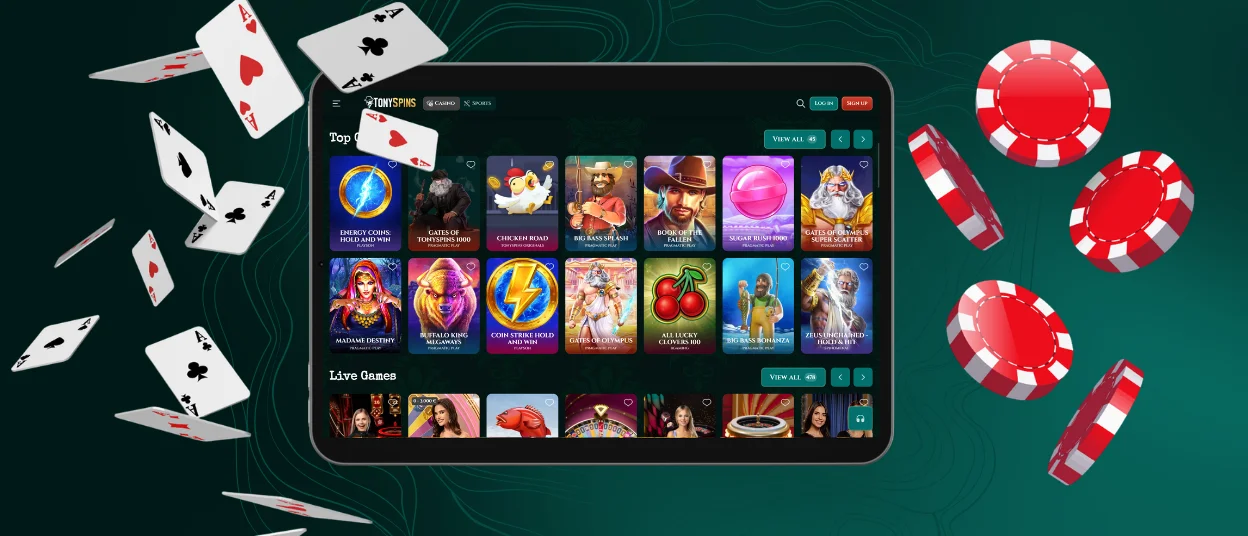
The TonySpins app gives users mobile access to the casino from smartphones, tablets, and desktop devices. The platform uses PWA access, so players open Tony Spins in a browser, add it to the home screen, and use the same account across supported devices.
The mobile version mirrors the overall structure of the desktop platform, making navigation familiar across devices. All key account functions remain available in one place, allowing you to move smoothly between gaming, account management, promotional offers, and customer assistance without switching profiles.



TonySpins Mobile Casino
TonySpins Mobile Casino is built for smaller screens and touch controls. The menu, account area, wallet, game categories, and support section stay easy to reach without opening the full desktop layout. Mobile access is more practical for short sessions. Players can open the casino from a browser or home screen shortcut, check the balance, enter the lobby, and continue with the same account. Desktop access gives more screen space, so it is better suited for longer browsing and live casino play.
| Access type | Mobile access | Desktop access |
| Best use | Short sessions, quick account checks, casual game access | Longer sessions, detailed lobby browsing, live casino tables |
| Controls | Touch navigation with taps and swipes | Keyboard and mouse control |
| Screen layout | Compact interface with key sections in the mobile menu | Wider view of the lobby, wallet, games, and account area |
| Account access | Same TonySpins login, balance, bonuses, and profile | Same TonySpins login, balance, bonuses, and profile |
| Performance note | Works best with an updated browser and stable connection | Works best with a modern browser and steady internet access |
The same TonySpins account works on both formats. Balance, profile details, bonus status, game access, and wallet history stay connected, so players do not need a separate profile for mobile play.
Mobile performance also depends on connection quality. A stable internet connection helps games load correctly and supports smoother live casino sessions. Updated browsers and current device systems improve platform performance.
Mobile Application for Android
The TonySpins app experience on Android works through browser-based mobile access. Members open the TonySpins website in a mobile browser, log in, and use the same profile as on desktop. The interface adjusts to the device screen and keeps the main sections inside the mobile menu.
Android users can manage their account, open games, make payments, check active bonuses, and contact support through the mobile version. Deposits and withdrawals remain linked to the same wallet, so players do not need a separate mobile account.
To use TonySpins on Android, follow these steps:
- Open the TonySpins website in a mobile browser.
- Log in with the registered email and password.
- Open the casino lobby or a selected game category.
- Use the account menu to check balance, bonuses, history, and support.
- Keep the browser and device system updated for stable access.
This format keeps account use simple. Members do not need to create another profile for mobile play.
TonySpins APK
TonySpins does not require an APK download for mobile access. The casino works as a PWA, so players use the official website and add a shortcut to the home screen. This format reduces the need to download files from outside sources.
The PWA also keeps the app lightweight because the device does not store a large installation package. The website applies updates directly, so you access the current version after refreshing or reopening the platform. This approach supports Android, iOS, Windows, and macOS through one connected account. The same login, balance, wallet, bonuses, and game library stay available across devices.
Mobile Application for iOS
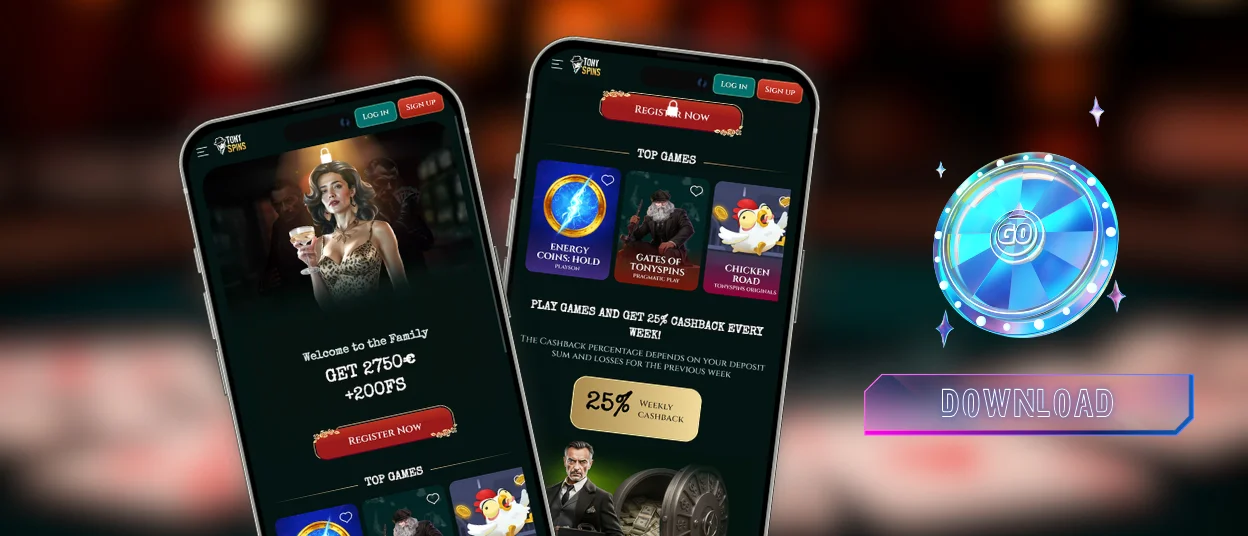
On iOS, TonySpins works through Safari or another current mobile browser. Members can add the website shortcut to the home screen and open the casino in a format close to an app, without installing a separate file.
For iPhone and iPad users, this setup keeps access lightweight. The shortcut opens the casino directly from the home screen, while account data stays linked to the browser-based platform. This is useful when a player wants quick access without storing a large app file on the device.
For smoother use on iOS, the browser and operating system should stay updated. A stable internet connection is important for live casino games and high-quality slots because these titles use more data during play.
TonySpins Casino Application for Windows/macOS
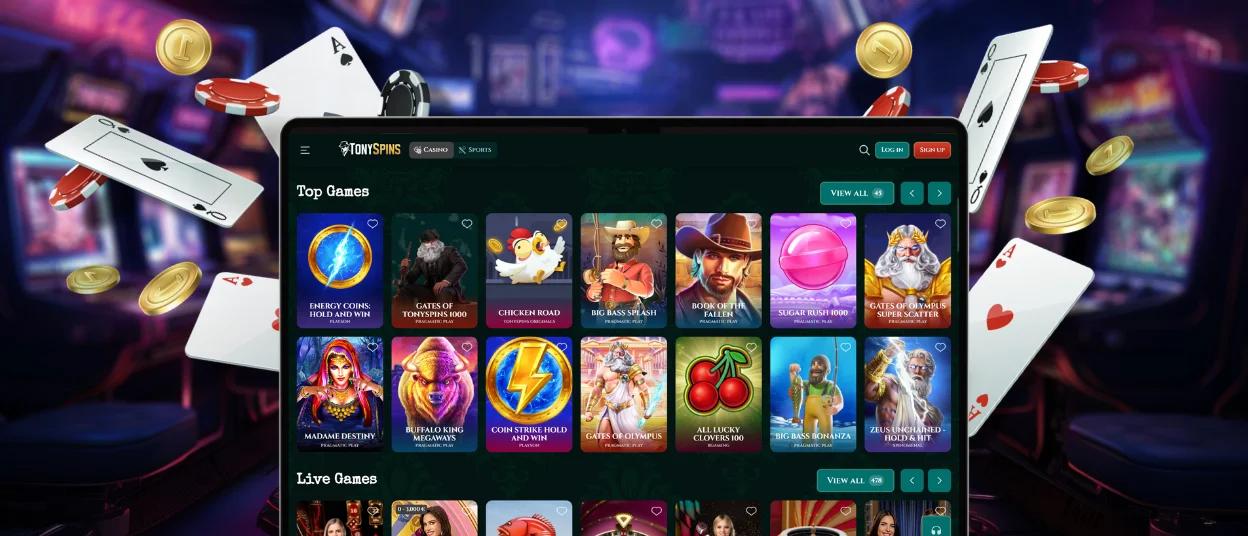
Desktop users can access TonySpins on Windows and macOS through a modern browser. The platform does not require a separate desktop program. This format suits users who prefer a larger screen and more space for browsing the casino lobby.
The same Tony Spins app account works on desktop and mobile. Players do not need a new profile for Windows or macOS. Balance, active bonuses, profile details, and account settings stay connected across devices.
Device Compatibility
TonySpins works across common mobile and desktop formats through browser-based PWA access. Device performance depends on browser version, screen size, software updates, and internet connection. Updated software helps the platform load correctly and keeps navigation stable.
| Device type | Best use | Main note |
| Android smartphone | Short sessions, quick game access, account checks | Keep the browser and system updated |
| Android tablet | Longer mobile play and easier lobby browsing | A larger screen gives better control than a phone |
| iPhone | Account access, slots, bonuses, support | Stable connection improves live game performance |
| iPad | Casino browsing and live games | More screen space helps with table layouts |
| Windows computer | Long sessions, full lobby view, payments | Suitable for players who prefer keyboard and mouse |
| macOS computer | Full casino access and larger screen play | Works through a modern browser |
Cross-device use stays direct because the same account works on every supported format. You can log in on mobile, check the balance, and later continue from a desktop device. For account security, the system may request a fresh login after inactivity.
The TonySpins app does not take much space on the device because it works as a PWA. It does not require a large installation file, and most updates come through the website automatically. Users still need an active internet connection for casino games, especially live games and animated slots.
FAQ
Is there customer support in the TonySpins Casino app?
Yes, customer support is available in the mobile version of TonySpins Casino. You can contact the support team directly through the app whenever they need help with their account or casino activity.
Do I need an account to use the TonySpins app?
Yes, a registered account is required to access real-money features in the TonySpins app. The same account can be used on both mobile devices and desktop computers.
Are all games available in the app?
Yes, the mobile version provides access to the full TonySpins game library. You can enjoy the same content that is available through the desktop platform.
How can I update the TonySpins Casino app?
The TonySpins app works as a PWA, so updates are applied automatically through the website. Opening the latest version of the platform is usually enough to access any changes.


